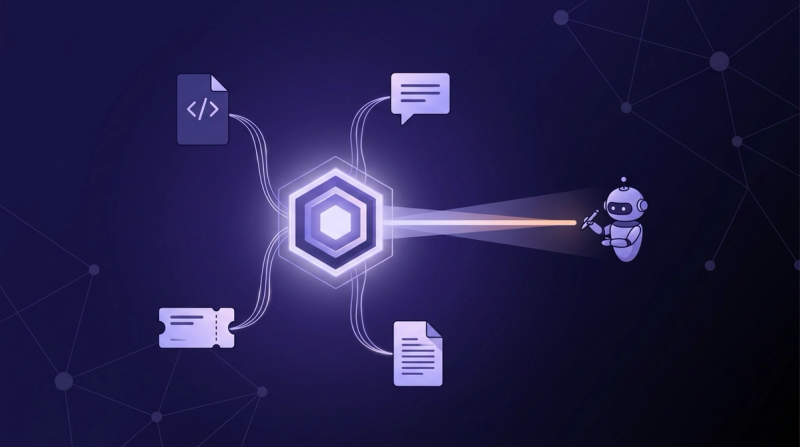
Linear MCP: Sync Linear Tickets to Your AI Coding Agent
Point your agent at mcp.linear.app/mcp and it can read, create, and update Linear issues. The setup for Claude Code, Cursor, and Windsurf, plus the scoping discipline that keeps ticket context useful.

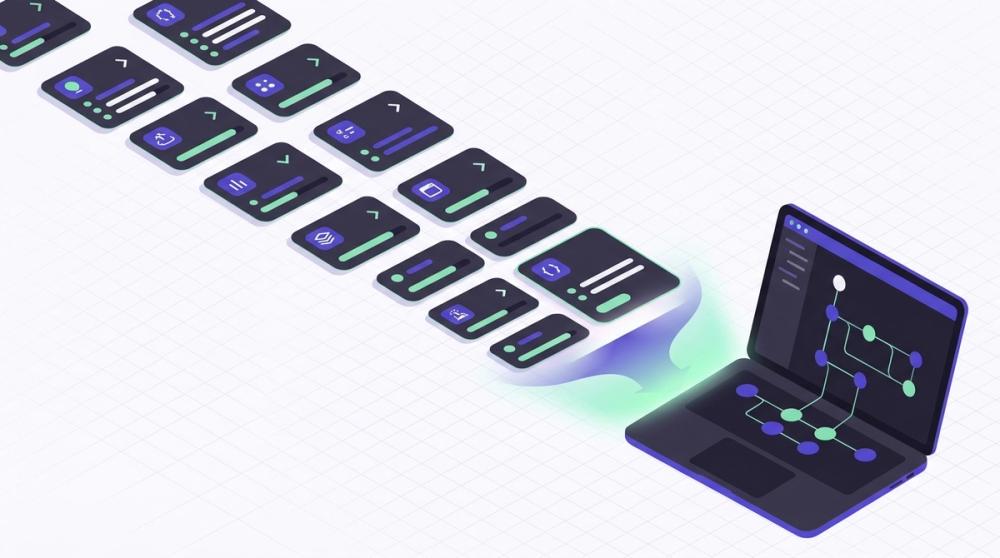
In brief: Linear's official server runs at mcp.linear.app/mcp over OAuth 2.1. Claude Code connects with one command; Cursor and Windsurf take a short config. The tools find, create, and update issues, projects, and comments, plus initiatives and milestones since February 2026. After setup, scope the agent to the tickets that matter, and keep in mind the reasoning behind a ticket lives outside Linear.
The Linear MCP server is hosted at https://mcp.linear.app/mcp, and one command connects it: run claude mcp add --transport http linear-server https://mcp.linear.app/mcp, open a Claude Code session, type /mcp, and approve the browser OAuth prompt. From that point your agent can find, create, and update Linear issues under your own workspace permissions, no local server and no pasted API key required. Cursor and Windsurf take a config block instead of a command, and both configs are below.
The setup is the easy part, and the payoff is real. Stanford's 2026 AI Index found that generative AI reached 53% population adoption within three years, faster than the personal computer or the internet (Stanford HAI, 2026). Developers sit at the front of that curve: more than 84% now use or plan to use AI tools (Stack Overflow, 2026). Ticket context is a big piece of what makes that usage productive. But two questions decide whether this integration helps or hurts, and most walkthroughs skip both. How do you scope what the agent pulls so a ticket lookup doesn't turn into a backlog dump? And what do you do when the ticket says what to build but not why?
What is the Linear MCP server, and what can your agent do with it?#
Linear's official server, live since May 2025, runs as a hosted remote server on the Model Context Protocol (Linear, 2026). That open standard now tops 97 million monthly SDK downloads (Digital Applied, 2026) and is heading into its largest specification revision since launch (Model Context Protocol, 2026). The server exposes Linear operations as tools an AI client can call: finding, creating, and updating issues, projects, and comments.
What separates this from a plain API script is that the agent decides when to call which tool, mid-task. Ask it to start on a ticket and it fetches the issue, checks the linked project, reads the comments, and moves the status as it works. Everything runs under your own workspace permissions, so the agent cannot see a team you cannot.
The toolset has grown since launch. A February 2026 update added initiatives, initiative updates, project milestones, project updates, and project labels (Linear, 2026). If your tracker is Jira rather than Linear, the setup and tradeoffs differ enough that we wrote a separate Jira MCP guide. And before wiring up any server, it's worth a moment on when an MCP server beats a CLI for the same job.
How do you connect Linear to Claude Code, Cursor, and Windsurf?#
Authentication runs on OAuth 2.1 with dynamic client registration, and every client below talks to the same Linear MCP endpoint (Linear, 2026). There is no server to run and no API key to paste for the standard flow. For restricted or programmatic setups, the server also accepts an API key or OAuth token in an Authorization Bearer header. One point worth flagging for your security review: because auth is per-user OAuth, the agent inherits your access and nothing more, so the blast radius stays tied to existing workspace permissions rather than a shared service account.
Claude Code#
Add the server, then authenticate inside a session:
bashclaude mcp add --transport http linear-server https://mcp.linear.app/mcpRun /mcp in Claude Code to trigger the browser OAuth flow. Approve it once and the tools appear in every subsequent session.
Cursor#
Cursor treats Linear as a directory install: open Cursor's MCP tools directory, search for Linear, and click install, or use the one-click installation link in Linear's docs. The first connection opens the same browser OAuth consent screen.
Windsurf#
Windsurf connects through the mcp-remote bridge. Add this to your Windsurf MCP config:
json{"mcpServers":{"linear":{"command":"npx","args":["-y","mcp-remote","https://mcp.linear.app/mcp"]}}}You'll need Node with npx available. The same bridge config works for VS Code and other clients that can't reach a remote server natively.
Verify and troubleshoot#
To verify, ask the agent to fetch one issue by identifier and confirm the fields match what you see in Linear. Two known snags: on Windows under WSL, add --transport sse-only to the bridge arguments, and if you hit internal server errors after a workspace change, clear saved credentials with rm -rf ~/.mcp-auth and re-authenticate (Linear, 2026).
What can your agent do with ticket context?#
The merge loop keeps accelerating: developers now merge more than 90 million pull requests a month on GitHub, up from roughly 25 million in early 2023 (GitHub, 2026). Ticket-aware agents feed that loop from the front, because the ticket is where most work actually starts.
Three prompt patterns cover most of the value. First, implement from the ticket: "Read LIN-482, including comments, and propose a plan before writing code." The agent pulls the description, acceptance criteria, and discussion in one pass. Second, close the loop on merge: "Mark LIN-482 as In Review and comment with a summary of the change." Status updates stop being a thing you forget. Third, triage: "List my unstarted issues in the current cycle and flag any that look blocked by LIN-450."
The pattern behind all three is the same: the agent reads and writes the tracker as part of the coding task, instead of you alt-tabbing to copy ticket text into a prompt. That works because the request names a specific slice of Linear. The failure mode is when it doesn't, which is the next section.
How do you scope tickets without dumping the backlog?#
Context is a budget, and unscoped tool results are the fastest way to spend it. Claude Code treats oversized tool results as a first-class problem: it warns whenever an MCP tool output exceeds 10,000 tokens and caps output at 25,000 tokens by default (Claude Code docs, 2026). A backlog dump is precisely the kind of result that blows through those limits.
The discipline is to make every Linear request name its scope. These are the options, from cheapest to most expensive:
| Scoping strategy | What the request looks like | Context cost |
|---|---|---|
| Fetch one issue by ID | Read LIN-482 and its comments | Minimal, a single bounded result |
| Filter by assignee and cycle | My unstarted issues this cycle | Small, a short list you already own |
| Scope to one project or team | Open issues in the payments project | Moderate, bounded by the project |
| Keyword search | Issues mentioning webhook retries | Varies with match count |
| List everything | Show me the backlog and pick priorities | Worst case, floods the window |
The bottom rows are where token budgets die. An agent that ingests three hundred stale tickets to answer a question about one is paying for the other 299. The same scoping discipline applies to every connector you stack alongside this one, from Notion to Slack: name the slice, or the agent will take the firehose.
Where the official server hits its limits#
Precision is the whole game with AI output: ask developers what frustrates them most about AI tools and the usual answer is solutions that are almost right but not quite. A connector that serves slightly wrong context produces exactly those almost-right answers, and there are two ways the official server gets you there.
The first is stale state between syncs. MCP is pull-based: the agent sees a ticket as it existed at fetch time. If the priority changes, a comment lands, or scope gets cut while the agent is mid-task, nothing pushes that update into the running session. On a fast-moving team, an hour-old fetch can already be wrong, and the agent has no signal to re-check. You can partially patch this with prompting, by instructing the agent to re-fetch before every write, but that trades tokens for freshness and still only covers changes inside Linear itself.
The second is cross-tool blindness. The ticket references a PR, a design doc, a Slack decision. The Linear server can fetch none of them. It serves one system's rows faithfully while everything linking those systems together stays invisible. Stacking more connectors narrows the gap but doesn't close it, because each returns raw results with no reconciliation across them. That ceiling is where MCP-only stacks plateau.
Why doesn't the ticket explain the work?#
Trust in AI output remains thin: only 29% of developers say they trust AI, down 11 percentage points in a single year (Stack Overflow, 2026). Much of that gap traces to agents acting on records instead of reasons. A ticket is a record of WHAT: title, description, status, estimate. The WHY lives elsewhere, in the PR review where the approach was argued or the Slack thread where scope got cut after the estimate was already written.
Say the ticket reads "add retries to the webhook dispatcher." Reasonable. But the dispatcher deliberately doesn't retry, because a partner's API treats duplicate deliveries as new orders, and the team settled on idempotency keys in a PR review three months ago. The ticket carries none of that. An agent with a perfect Linear connector will implement the regression flawlessly.
This is the gap a context engine closes. Unblocked connects your PRs, Slack, docs, and tickets so agents start with the full picture, not just the code: the domain and functional context Copilot doesn't have, reconciled across sources into a decision-grade answer instead of a pile of raw records.
My workflow is: here's the Jira ticket, here's the Confluence doc, here are the Slack threads — now build me a plan. Unblocked pulls all of that together so the agent starts with the full picture. Without it, I'd estimate I'm 20 to 30 percent less productive.
Tushar Kawsar — Software Engineer, UserTesting
Raw Linear connector vs a context engine: which does your agent need?#
Even Linear treats connector efficiency as a live problem; its February 2026 release notes call out reduced token usage through better tool documentation (Linear, 2026). But leaner tool schemas optimize access, and access was never the whole job. Here is how the approaches compare on the dimensions that decide what your agent actually acts on:
| Approach | Freshness handling | Cross-source synthesis | What the agent receives |
|---|---|---|---|
| Official hosted Linear server | Point-in-time fetch, no push on change | None, Linear only | Raw issue and project fields |
| Community Linear connectors | Point-in-time fetch, self-maintained | None, Linear only | Raw API responses |
| Unblocked context engine | Reconciled against current PRs, threads, and docs | Yes, tickets weighed against code, Slack, and docs | A synthesized answer with the reasoning attached |
The rows aren't competitors so much as layers. A connector is the right tool for writes: creating an issue, moving a status, posting a comment. The engine is the right tool for reads that matter: before the agent implements anything, it should know whether the ticket is still true and what decisions surround it. In practice that looks like a project instruction that says gather context first, then a connector call to update the ticket once the work lands. Teams that run both give the agent hands and a memory, and the memory is what keeps the hands out of trouble.
Frequently asked questions about the Linear MCP server#
The questions engineers ask most, answered against Linear's current docs: the server is remote-hosted, OAuth-authenticated, and has expanded steadily since its May 2025 launch (Linear, 2026).
Is there an official server, and do I need a community one?#
Yes, the official Linear MCP server is hosted at mcp.linear.app/mcp and has been live since May 2025 (Linear, 2026). Community-built Linear connectors exist on GitHub, but unlike the Jira ecosystem there's no on-prem gap for them to fill, since Linear is cloud-only. For nearly every team, the hosted official server is the answer.
How do I connect Linear to Claude Code?#
Run claude mcp add --transport http linear-server https://mcp.linear.app/mcp, then type /mcp inside a Claude Code session and approve the browser OAuth prompt. The agent then reads and writes issues under your own workspace permissions. If authentication breaks after a workspace change, clear ~/.mcp-auth and authorize again.
Can my agent update Linear tickets, or only read them?#
Both. The tools cover creating issues, updating fields like status, assignee, labels, and priority, and posting comments. Since February 2026 they also cover initiatives, project milestones, and project updates (Linear, 2026). Writes execute under your permissions, so the agent can only change what you could change yourself.
How do I keep ticket context fresh during a task?#
Re-fetch before acting: have the agent pull the issue again immediately before writing code or posting an update, since MCP results are point-in-time snapshots. Scope requests to the current cycle so results skew recent. For decisions that moved to Slack or a PR after the ticket was written, a raw connector can't help; that reconciliation is what a context engine adds.
From Ticket to Mergeable PR#
Wire it up today: one command for Claude Code, a directory install for Cursor, a bridge config for Windsurf. Then hold the line on scope, because a well-aimed Linear MCP integration hands your agent exactly the tickets a task needs and nothing else.
Just know what crossed the wire and what didn't. The ticket tells your agent what to build. The debates and constraints that shaped the ticket tell it what not to break. Getting from assigned ticket to mergeable PR takes both, and the second half has a name: decision-grade context.