Slack MCP: Feed Slack History to Your AI Coding Agent
Slack shipped an official MCP server in February 2026. Here is how to wire it into Claude Code and Cursor, scope it to the right channels, and know exactly where a connector stops and understanding starts.

Key Takeaways
• Slack now ships an official, Slack-hosted MCP server, generally available since February 17, 2026, reachable at mcp.slack.com/mcp with user-token OAuth.
• The official server inherits the authenticating user's permissions and requires workspace admin approval, which makes it the defensible choice for most teams.
• Community servers like korotovsky/slack-mcp-server offer self-hosting and stealth-mode browser tokens, but Slack's May 2025 API terms make workspace-scale export and LLM training on that data a legal problem, not just a technical one.
• Scope channels deliberately: granular search scopes on the official server, tool allowlists on the community one, and never a full workspace dump.
• Retrieval is not reconciliation: a connector returns every matching thread, including the one that reversed a decision your runbook still documents.
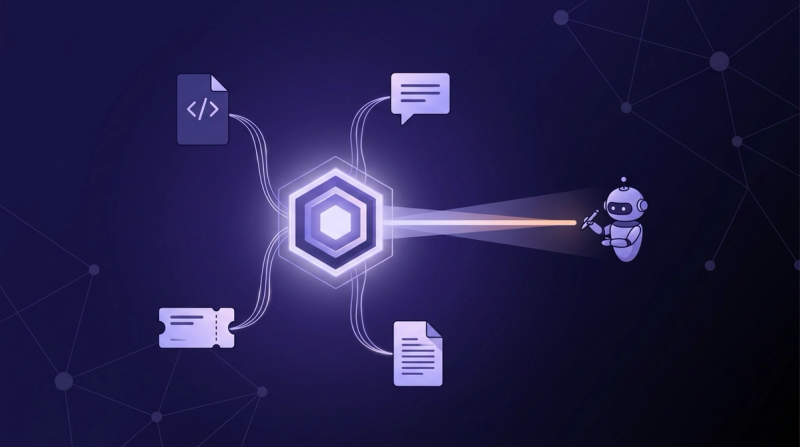
Your team's real engineering context lives in Slack threads, not in the repo or the docs. The repo records what you built. Slack records why you built it that way: the argument that killed the first design, the incident that produced the workaround, the quiet reversal nobody wrote down. A Slack MCP server gives your coding agent access to that archive, and as of February 2026 there is finally an official way to do it.
This guide covers what you can actually run in July 2026: the official server Slack now hosts, the community alternative and its legal gray zones, verified configs for Claude Code and Cursor, and the channel-scoping decisions that keep your legal team calm. It also covers the ceiling: why an agent that can search ten thousand threads still cannot tell you which one holds the current decision.
Why does your team's real engineering context live in Slack?#
Roughly 90% of developers now report using some form of AI assistance in their work, per coverage of Google's latest DORA research (InfoQ, 2026). AI-assisted coding is now the default posture, but the assistant reads the code, and the code was never where your team's reasoning lived.
Think about the last consequential technical decision your team made. It probably happened in a thread: someone proposed, someone objected, an incident was invoked, a compromise emerged. Maybe a doc got updated afterward. Often it didn't. The wiki page describes the system as designed; the thread describes the system as it actually is, and why.
That asymmetry is why connecting chat history to an agent matters more than connecting yet another ticket tracker. Your Jira tickets state the what. Your Confluence pages state the intended how. The thread is where the intended how collided with reality. An agent that cannot see that collision proposes fixes your team already rejected, in some cases for reasons that took an outage to learn.
What is a Slack MCP server, and what can your agent do with it?#
The Model Context Protocol ecosystem now counts more than 10,000 active public servers and 97 million monthly SDK downloads, governed under the Linux Foundation's Agentic AI Foundation (Digital Applied, 2026). MCP is the open standard that lets an AI client call external tools, and a Slack connector exposes Slack operations as those tools.
Concretely, that means your agent can search messages, files, channels, and members across the workspace. It can also read a channel's history, pull an entire thread with its replies, fetch user profiles, send messages, and read or create canvases (Slack Developer Docs, 2026). The agent decides when to call which tool mid-task, so "find the thread where we debated the retry queue" becomes a tool call instead of you alt-tabbing into Slack and pasting results.
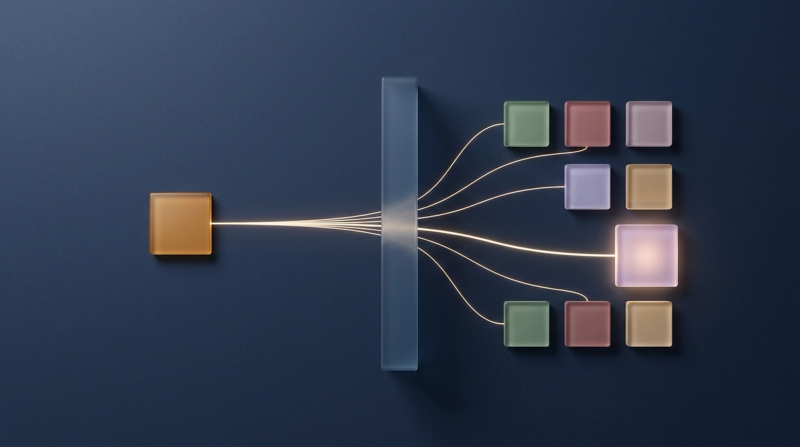
The important design property is that access rides on authentication. With the official server, the agent operates under the OAuth grant of the person who connected it, which means it can read what you can read and nothing more. That property is where the official and community options diverge.
Which Slack MCP server should you use?#
For most teams, the official one. The landscape changed this year: Slack's official MCP server and Real-Time Search API reached general availability on February 17, 2026 (Slack, 2026). More than 50 partners, including Anthropic, Google, OpenAI, and Perplexity, are building on them, and tool calls grew 25x between the October limited release and GA. Before that, this whole category was community territory; Anthropic's early reference implementation now sits in the archived servers repository, read-only since May 2025.
The official server is remote, hosted by Slack, and authenticates with user-token OAuth 2.0 behind an admin approval flow. The main community option, korotovsky/slack-mcp-server, is self-hosted, supports user, bot, and browser-session tokens, and its README claims over 30,000 engineers visit the repository monthly, a self-reported figure. Its stealth mode reads your workspace through browser tokens with no app install at all, which is precisely the property that makes legal teams flinch.
| Official server (Slack) | Community server (korotovsky) | |
|---|---|---|
| Hosting | Remote, hosted by Slack at mcp.slack.com | Self-hosted via npx or Docker |
| Auth | User-token OAuth 2.0, admin approved | User, bot, or browser-session tokens |
| Permissions | Inherits the authenticating user's access | Whatever the token can see, no approval flow |
| Coverage | Search, messages, threads, canvases, files, members | Channels, DMs, group DMs, smart history fetch |
| Legal posture | Sanctioned, inside Slack API terms | Stealth mode sits outside sanctioned auth |
| Support | Official Slack product | MIT-licensed community project |
The rule for 2026: use the official Slack MCP server unless you have a hard requirement it cannot meet. If you are choosing among MCP servers for your whole stack, weigh the legal row as heavily as the feature rows.
How do you connect Slack to Claude Code and Cursor?#
One prerequisite gates everything: your workspace admin must approve the MCP integration before any client can authenticate (Slack Developer Docs, 2026). Get that approval first; every step below fails without it.
Claude Code#
Slack ships an official plugin. Install it in-session or from your shell:
bashclaude plugin install slackThe plugin configures the server automatically and prompts a browser OAuth flow into your workspace. Under the hood it writes an HTTP server entry to .mcp.json:
json{
  "mcpServers": {
    "slack": {
      "type": "http",
      "url": "https://mcp.slack.com/mcp",
      "oauth": { "clientId": "1601185624273.8899143856786", "callbackPort": 3118 }
    }
  }
}Cursor#
Cursor connects to the same hosted server. Use the install link in Slack's Cursor guide, or paste the same HTTP config into Cursor's MCP settings; either way, Cursor surfaces a connect button to complete the OAuth handshake into Slack.
Self-hosted community server#
If you run the community server instead, the npx route with a user OAuth token is the cleanest of its three auth modes:
json{
  "mcpServers": {
    "slack": {
      "command": "npx",
      "args": ["-y", "slack-mcp-server@latest", "--transport", "stdio"],
      "env": { "SLACK_MCP_XOXP_TOKEN": "xoxp-your-token" }
    }
  }
}
Whichever path you take, the scopes are what your security review will ask about. The official server requests granular user-token scopes per tool (Slack Developer Docs, 2026). Search runs on search:read.public and search:read.private. Reading conversations takes channels:history, groups:history, im:history, and mpim:history, files take files:read, and chat:write is requested only if you allow sending. Calls count against Slack's standard Web API rate tiers, so a single developer rarely hits the ceiling, while multi-agent fleets can.
How do you scope channels without exporting the workspace?#
Scoping is now a compliance requirement, not a preference. Slack's API terms prohibit bulk exporting message and file data and bar using API data to train large language models (Slack API Terms of Service, current 2026), restrictions Salesforce first imposed in May 2025 (Tech Trenches, 2026). The "sync every channel into a vector database" architecture that half the 2024 tutorials describe is off the table.
Query-time access is the compliant shape, and both servers give you scoping levers. On the official server, permissions are the scope: the agent sees only what the authenticating user sees, and dropping the private-conversation search scopes at approval time confines it to public history. On the community server, SLACK_MCP_ENABLED_TOOLS restricts the registered tool set to read-only operations, and SLACK_MCP_ADD_MESSAGE_TOOL allowlists exactly which channels an agent may post to.
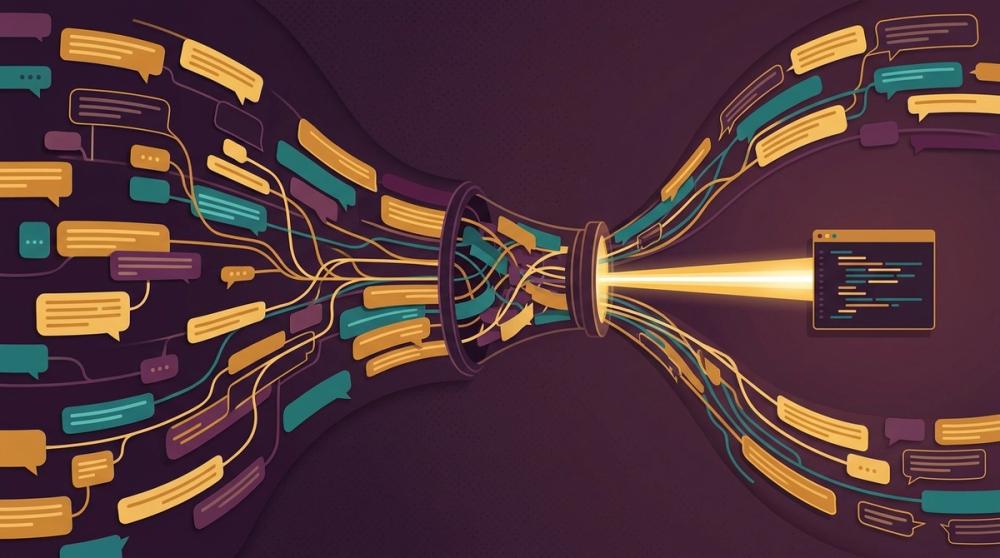
There is a practical reason to scope tightly too: token bloat. A busy channel's month of history can swamp a context window before the agent reads your actual question. Narrow queries against specific channels return threads; broad ones return noise you pay for.
What can your agent find in Slack history?#
Engineers now spend real hours of every working day inside AI tools. Feeding Slack history to that loop is what turns a code-complete agent into a context-aware one.
The queries that pay off are archaeology, not chit-chat. Ask for the thread behind an incident: "find the discussion from the March payments outage and summarize what we changed." Ask for decision provenance: "why did we choose SQS over Kafka for ingestion, and who argued against it?" Ask for prior art before writing code: "has anyone discussed rate limiting the webhook consumer?"
Each of these has a real answer in your archive that no ticket or wiki page fully contains. This is the same gap the Jira MCP and Confluence MCP guides hit from the other side: the ticket and the page state conclusions, while the thread holds the reasoning. A Slack AI agent workflow closes that gap at query time, under whatever permissions you granted it.
Why is raw Slack search not understanding?#
Adoption and trust are moving in opposite directions: more than 84% of developers use or plan to use AI tools, yet only 29% say they trust the output, down 11 points in a year (Stack Overflow, 2026). Meanwhile the archive keeps growing, one thread at a time. More haystack, same needle.
Here is the failure mode a connector cannot escape. Your on-call runbook says to restart the consumer when lag spikes. Three weeks ago, a thread concluded that restarts corrupt in-flight offsets and the right move is pausing the topic. Nobody edited the runbook. Search returns both, ranked by keyword match, and the agent confidently quotes the runbook because it looks more authoritative. The newest message is not the decision, and the most official-looking document is not the truth.
Resolving that takes reconciliation across sources, plus permission-aware retrieval so the answer never includes what the asker cannot see. That is what Unblocked does: it returns permission-aware answers synthesized from Slack, code, PRs, and docs, weighing the thread against the runbook instead of handing your agent both and wishing it luck.
Unblocked is the first MCP queried for everything we look up. It's not just checking the code — the code could be wrong. It pulls the Confluence docs, the feature planning documents, the Slack conversations. We can't use the Slack MCP for legal reasons, so Unblocked is the only way we can access that context. For an engineering manager trying to understand a platform fast, that's the difference.
Sam Younger — Engineering Manager, UserTesting
Notice the constraint inside that quote: some teams cannot use a raw Slack connector at all, and a context engine is the only compliant route to that history.
Slack MCP vs a context engine#
A connector moves messages; a context engine builds institutional memory across Slack, Jira, Notion, and Confluence, then serves the reconciled result. The table below separates the two on the dimensions that decide whether your agent acts on the current decision or a superseded one.
| Raw Slack connector | Context engine (Unblocked) | |
|---|---|---|
| Source scope | Slack only | Slack plus code, PRs, Jira, Notion, Confluence |
| Conflict handling | Returns every matching thread | Reconciles threads against docs and code first |
| Permissions and legal | Depends on token type; browser tokens risk API terms | Permission-aware retrieval honoring source ACLs |
| Output shape | Raw messages the agent must digest | A synthesized answer with citations |
| Token cost | Full threads loaded into the window | A curated slice of what matters |
The two are not mutually exclusive. Keep a direct connector for write actions, like posting a summary back to a channel. But when the question is "what did we decide," the answer should come from a layer that has already read the thread, the ticket, and the diff, and knows which one won.
Frequently asked questions about Slack MCP#
The questions below reflect the situation since February 2026, when an official, admin-governed server arrived alongside the community options.
Is there an official MCP server for Slack?#
Yes, since February 17, 2026. Slack hosts it at mcp.slack.com/mcp, and it authenticates individual users through OAuth 2.0 with granular scopes rather than a shared bot token (Slack Developer Docs, 2026). It exposes search, message retrieval, message sending, canvas, and member tools, and every call inherits the permissions of the user who connected it.
How do I connect Slack to Claude Code?#
Run claude plugin install slack, then complete the browser OAuth prompt into your workspace. The official plugin writes the HTTP server config pointing at mcp.slack.com/mcp for you. The one prerequisite is organizational: your workspace admin must approve the MCP integration before authentication succeeds, so regulated teams should start that conversation before touching config.
Is connecting Slack to an AI agent compliant?#
It depends on the path. Slack's May 2025 API terms prohibit bulk export and training LLMs on API data, so query-time access via the official server is the defensible pattern, while browser-token stealth modes and workspace syncs invite trouble. Some teams cannot expose raw messages to agents at all; data-shield covers how permission-aware infrastructure handles that constraint.
Can an agent read private channels and DMs?#
On the official server, only if the authenticating user can and the corresponding scopes were granted; search:read.private, im:history, and mpim:history are separate grants an admin can decline. The community server is blunter: whatever its token sees, the agent sees, including DMs in stealth mode. Treat scope selection as an access-control decision, because that is what it is.
Which Slack MCP option should you pick?#
For most teams, the official Slack-hosted server: generally available since February 17, 2026, user-token OAuth behind admin approval, and access that mirrors the connecting user's permissions (Slack, 2026). Self-host only with a hard requirement, and add a context engine when Slack is one of several sources your agent has to reconcile.
- Slack workspace, Claude Code or Cursor, standard compliance needs: the official server at mcp.slack.com/mcp. One plugin install or one HTTP entry, then an OAuth prompt.
- A hard self-hosting requirement: korotovsky/slack-mcp-server with a user OAuth token,
SLACK_MCP_ENABLED_TOOLStrimmed to reads, and no stealth mode, which sits outside Slack's API terms. - Write actions only: either server with
chat:writegranted, posting allowlisted to specific channels. - Slack context combined with PRs, Jira, Confluence, and code under one permission model: Unblocked, one connection that weighs the thread against the ticket and the diff and returns a permission-aware, cited answer. The archive answers queries. A context engine surfaces what you didn't know to look for.