Webflow runs its coding agents on Unblocked’s context engine.
Top 3Engineering tools at Webflow
“There needs to be a brain layer to make all this work, and right now Unblocked is playing that role.”
Unblocked is the context layer for agentic software development.
The Context Engine powers that layer, giving every agent the organizational understanding it needs to generate more reliable code with fewer tokens and less back-and-forth.
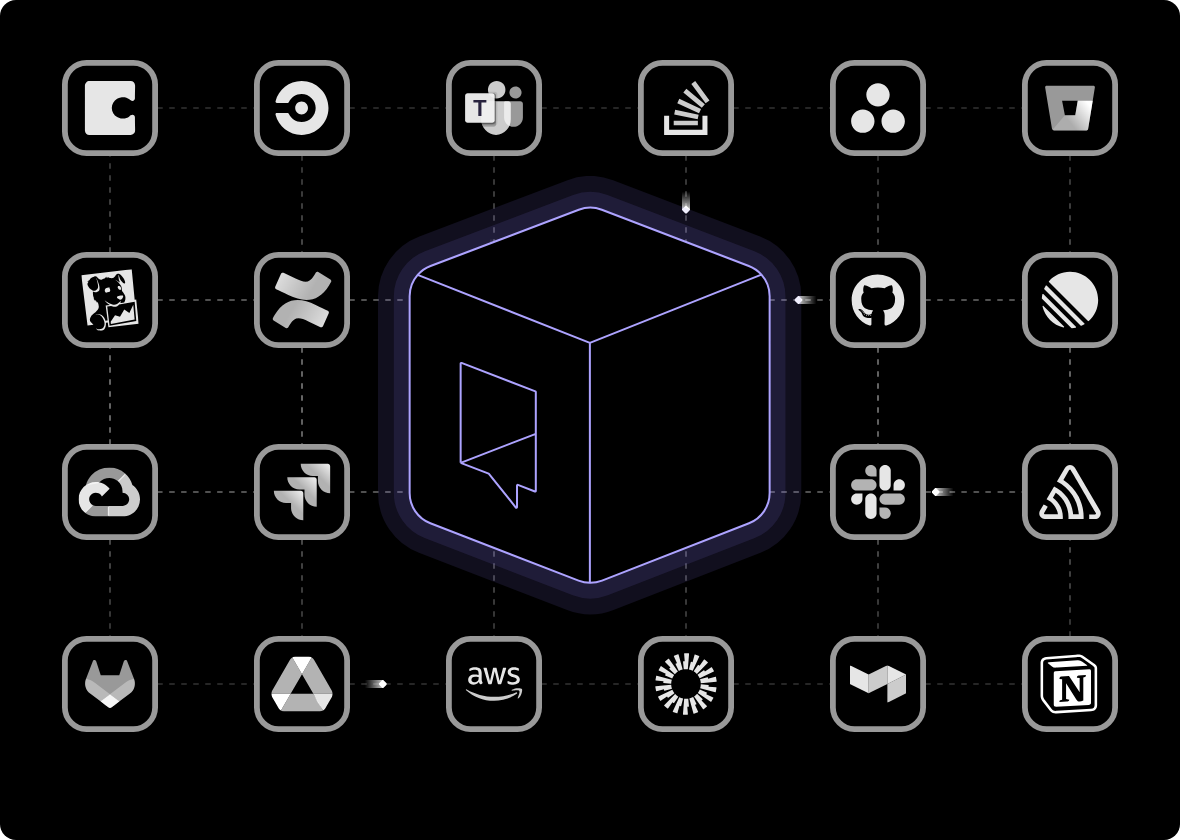
A Context Engine turns access to your tools into organizational understanding for every agent.
Access isn’t understanding. Connecting your agent to more systems doesn’t tell it which information is current, relevant, and trustworthy, so it works that out mid-task and tends to stop at the first plausible answer.
One question. Relevant context from across your stack.
Your organization’s context doesn’t live in one system. A ticket links to a PR. The decision behind the PR happened in Slack. The implementation changed later in the code.
Unblocked reasons across those sources together. It combines semantic retrieval, structured data, and relationships in its knowledge graph to follow the path from ticket to pull request to conversation to code, rather than treating each result independently.
When sources disagree, the agent shouldn’t have to guess.
Documentation says one thing. Last week’s Slack conversation says another. The code does something else.
Unblocked weighs those signals using factors including current code behavior, recency, domain expertise, and relevance to the task. When one source clearly carries more authority, the engine explains why. When the conflict can’t be cleanly resolved, it surfaces the disagreement instead of silently choosing a winner.
The right context, not the most context.
More context isn’t automatically better. Irrelevant information consumes tokens, dilutes the useful signal, and makes it harder for the agent to determine what matters.
Unblocked ranks and compresses what it finds before it reaches the agent, giving the agent a compact set of the most useful context for the task. Citations remain attached so the agent can go deeper when it needs to without starting its search over.
Turn what your team has learned into context every agent can use.
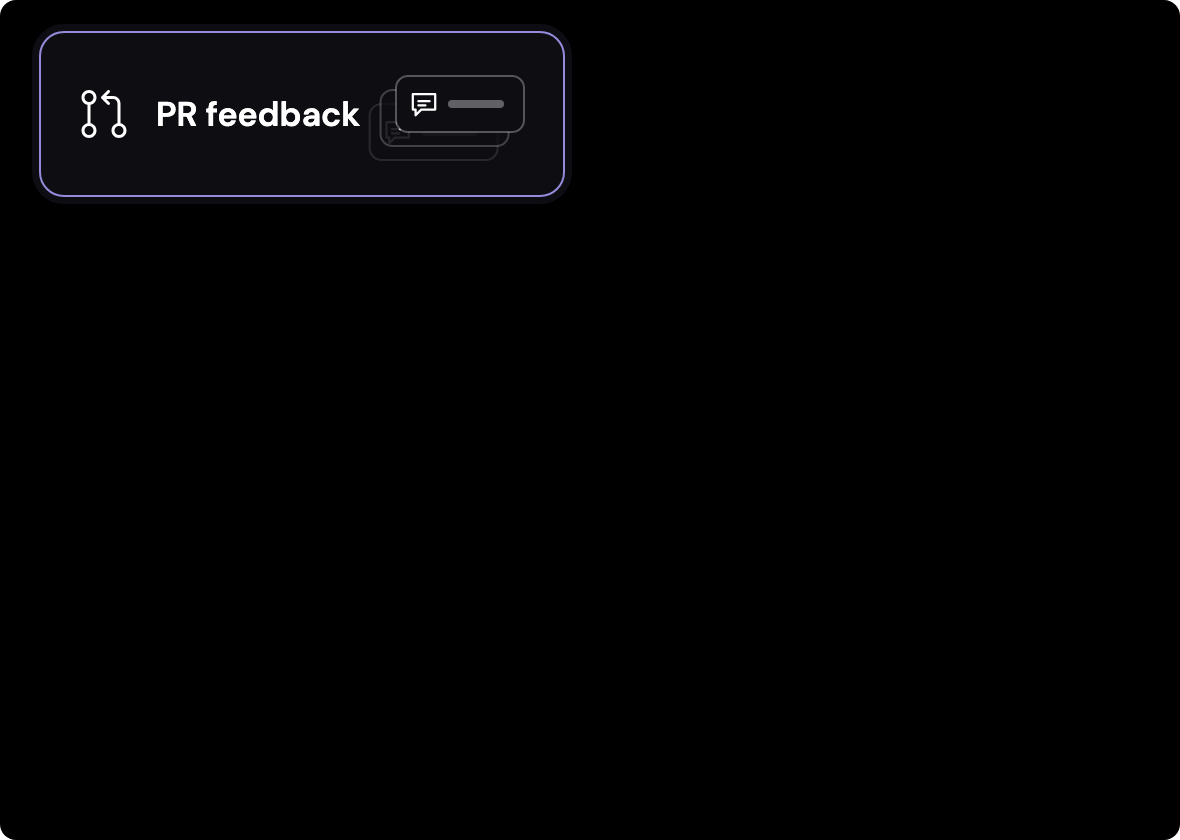
Some of the most important engineering knowledge never makes it into documentation. It lives in review comments, implementation decisions, and the conventions experienced engineers apply without thinking about them.
Unblocked identifies recurring feedback in pull requests and learns strongly supported conventions from those patterns, scoped to the teams and repositories where they apply. That gives agents access to the same conventions your engineers have learned over time.
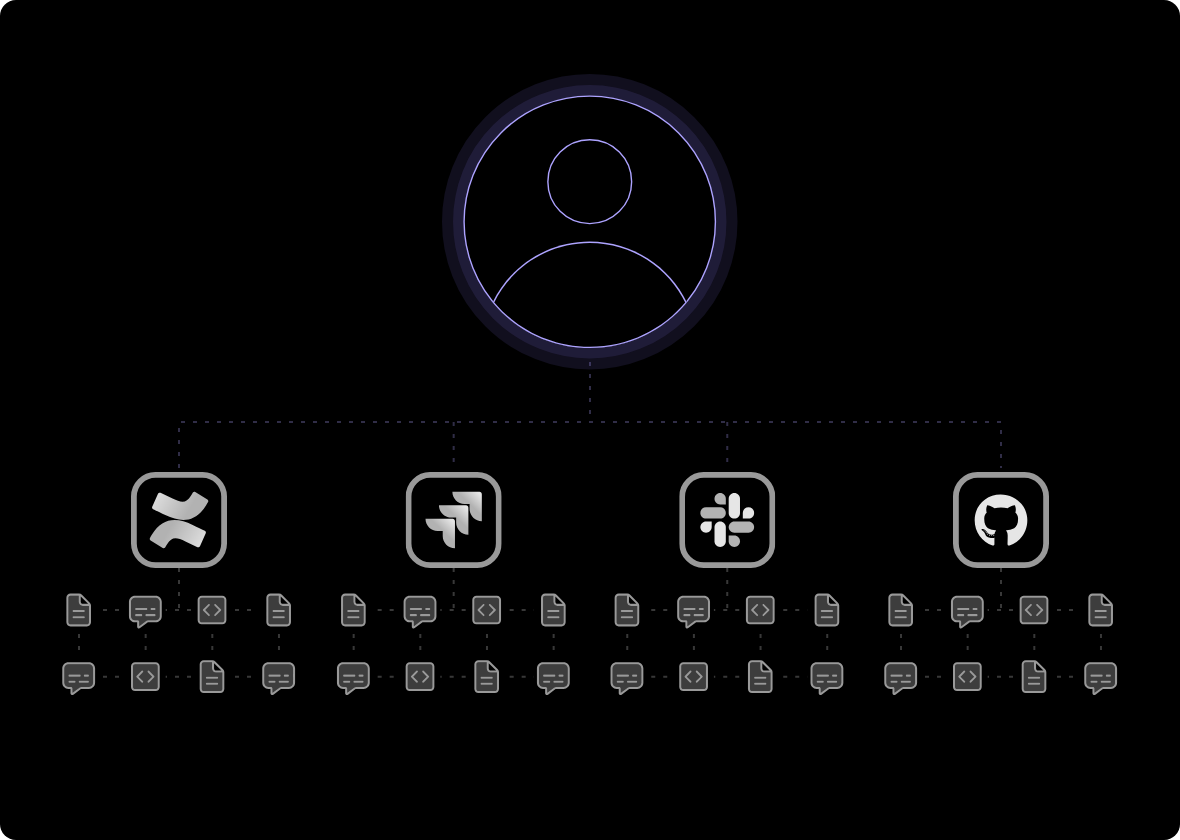
The right context also depends on who’s asking.
Unblocked inherits access controls from the systems your organization already uses and enforces them when context is retrieved. It also reconciles identities across GitHub, Slack, Jira, SSO, and other systems so it understands which activity belongs to which person.
The source systems remain the authority. Change someone’s access there, and the context available through Unblocked changes with it.
Agents get closer to the right answer on the first attempt.
When the agent starts with relevant, reconciled organizational context, it spends less time searching, consumes fewer tokens, and needs fewer corrections from the engineer.
That matters even more as agents move from interactive coding sessions to longer-running and remote workflows. When a human isn’t there to catch every wrong turn, the quality of the context available to the agent determines how far it can get on its own.
More searching. More detours. More manual work.
Connect Unblocked to your tools and agents in minutes. Use MCP, CLI, API, or direct integrations to bring context into every workflow.