Attaching Files to Your Questions
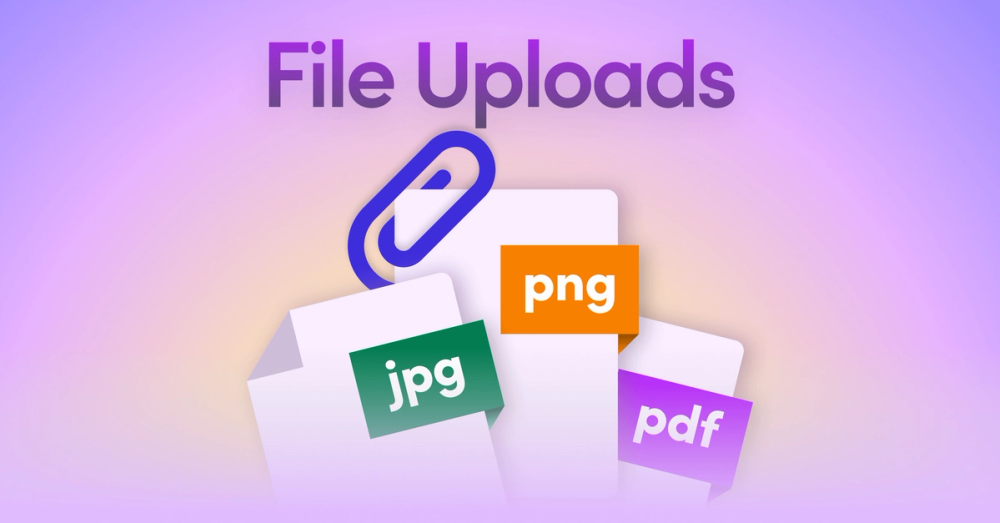
You can now upload local documents and images for Unblocked to reference directly in a question.

You can now upload local documents and images for Unblocked to reference directly in a question.
You can now attach files (including documents and images) to your questions in Unblocked.
Sometimes you just need to bring in extra context for a one-off question like a log file, a whiteboard photo, or a PDF. Now you can drop in exactly what you need, ask your question, and keep moving.
This is ideal for:
- Debugging: Attach logs or screenshots and let Unblocked help pinpoint the issue.
- Whiteboard sessions: Snap a photo of your diagram and turn it into a clean Mermaid chart you can share.
- Quick research: Drop in a spec or design doc and get a summary in seconds.
To add files, click the 📎 icon or drag and drop from your desktop.
You can upload up to 5 documents (.pdf, .docx, .pptx, .xlsx, .csv, .htm/.html, .txt/.md — 3 MB max each) or images (.png, .jpg/.jpeg — 5 MB max each).